Format live text
Adjust size, extrusion, bevel, alignment, spacing, shear, offsets, and curve resolution on selected text.
Blender text tools
Create, format, split, convert, and animate text from one focused 3D View sidebar. Easy Text keeps font controls, editable letter preparation, mesh conversion, and motion presets in the same compact workflow.
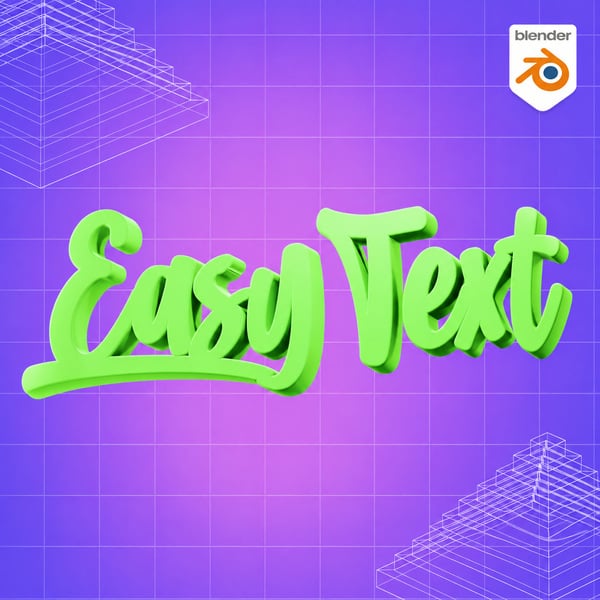
Text work often moves between formatting, object preparation, and animation. Easy Text keeps those steps together so editable typography can move into motion without breaking the flow.
It is built for titles, labels, lower thirds, logo studies, social motion graphics, interface mockups, and quick kinetic typography experiments.
Adjust size, extrusion, bevel, alignment, spacing, shear, offsets, and curve resolution on selected text.
Load system fonts, split text into editable letters, or convert it to mesh while preserving the source.
Apply Fade Up, Pop In, Slide Left, Type Stagger, Typewriter, Scramble Effect, or Wave Loop presets.
Move from editable text to clean animated typography without leaving the 3D View sidebar.